# LGridLayer
Creates a map layer where each tile is an instantiated Vue component. Each tile component is given
coordsprops byl-grid-layerto indicate the zoom level and position of the tile (see https://leafletjs.com/examples/extending/extending-2-layers.html#lgridlayer-and-dom-elements).
# Demo
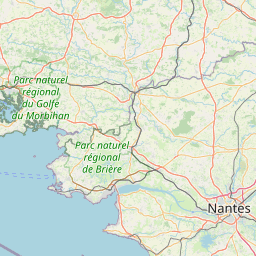
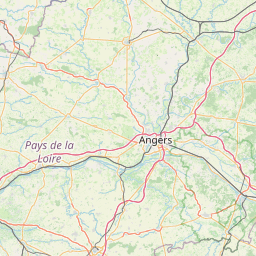
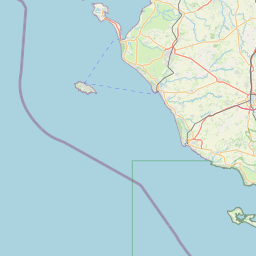
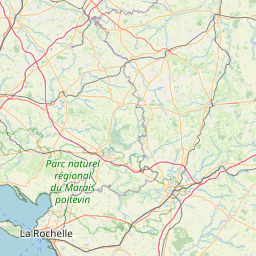
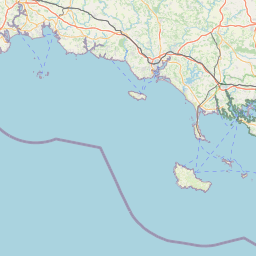
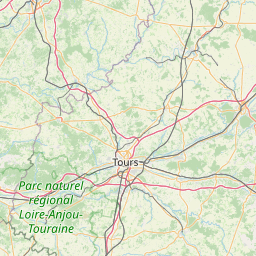

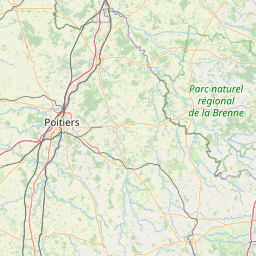
Coords: 126, 89, 8
Coords: 127, 89, 8
Coords: 126, 90, 8
Coords: 127, 90, 8
Coords: 125, 89, 8
Coords: 128, 89, 8
Coords: 125, 90, 8
Coords: 128, 90, 8
Leaflet | © OpenStreetMap contributors
show code
<template> <l-map style="height: 350px" :zoom="zoom" :center="center"> <l-tile-layer :url="url" :attribution="attribution"></l-tile-layer> <l-grid-layer :tile-component="tileComponent"></l-grid-layer> </l-map> </template> <script> import {LMap, LTileLayer, LGridLayer} from 'vue2-leaflet'; export default { components: { LMap, LTileLayer, LGridLayer }, data () { return { url: 'https://{s}.tile.openstreetmap.org/{z}/{x}/{y}.png', attribution: '© <a target="_blank" href="http://osm.org/copyright">OpenStreetMap</a> contributors', zoom: 8, center: [47.313220, -1.319482], tileComponent: { name: 'tile-component', props: { coords: { type: Object, required: true } }, template: '<div>Coords: {{coords.x}}, {{coords.y}}, {{coords.z}}</div>' }, }; } } </script>Copied!
# Props
| Prop name | Description | Type | Values | Default |
|---|---|---|---|---|
| pane | string | - | 'tilePane' | |
| attribution | string | - | null | |
| name | string | - | undefined | |
| layerType | string | - | undefined | |
| visible | boolean | - | true | |
| opacity | number | - | 1.0 | |
| zIndex | number | - | 1 | |
| tileSize | number|object|array | - | 256 | |
| noWrap | boolean | - | false | |
| options | Leaflet options to pass to the component constructor | object | - | {} |
| tileComponent | object | - |
# Events
| Event name | Type | Description |
|---|---|---|
| update:visible | boolean | Triggers when the visible prop needs to be updated |
| ready | object | Triggers when the component is ready |